DHCP Setup for RedHat 5.1
You must be running X and have root access on you box
in order to use these directions.
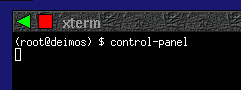
- Start a new xterm
- "su" to root in the new xterm
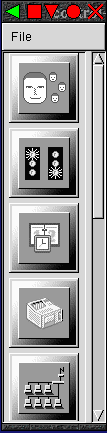
- Start RedHat's Control Panel (/usr/bin/control-panel)
- Click on the Network Configuration button on the
control panel

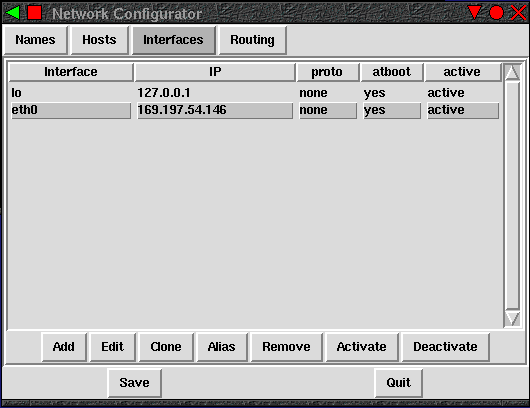
- Double click on your ethernet device (usually eth0)
- In the dialog that pops up, remove the IP address and netmask
then choose DHCP from the Interface configuration
protocol menu.
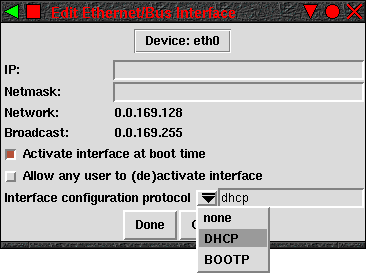
- Click the Done button on the Edit Ethernet/Bus
Interface window.
- Click the Save button when prompted
- Click the Quit button on the Network
Configurator window
NOTE: It's probably a good idea to reboot afterward to make sure
that your new settings com up properly when you reboot.